Installing Custom Firmware on The Kindle Paperwhite
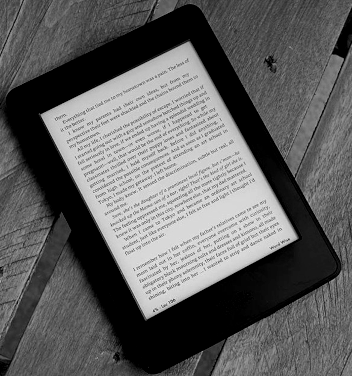
To begin ensure that you have the right Kindle and firmware. This guide is written for the Kindle Paperwhite 1, with firmware
version 5.6.1.1. You may read online that the only way to jailbreak this device is by opening it up and attaching your computer
to it's serial ports. This is no longer true. The device can now be jailbroken using only a computer and micro USB to USB cable.
If your device is on a firmware version older than 5.6.1.1 this guide will likely still work all the same, but there are other
(slightly different) guides that may work better. If you do not want to search for another guide, simply update your device. Assuming
it is a Kindle Paperwhite 1, the latest and last version of firmware should be 5.6.1.1.
The device is now jailbroken, but despite this you cannot yet run Kindlets (Kindle apps) from the homescreen, and thus
cannot take advantage of many Kindle apps for jailbroken Kindles. If you only wanted to change the screensaver, enable USB networking,
or modify the default font, you can stop here. If you would like to be able to open a Linux shell, have an imporved PDF reader, or better
launching screen, you will need MKK, which can be instaled by following the steps below.
Your Kindle Paperwhite 1 should now be fully rooted, with MKK installed. You may now go on to install Python, fix the screensaver,
install a custom launcher, install a terminal emulator, enable USB networking, install a better PDF viewer, and even write your
own Kindlets.